
Slack
SLX is an AI workspace that connects to Slack so you can search, summarize, and act on your team’s conversations in plain English — and post back to Slack without leaving the chat.
What SLX does in Slack
Connect Slack once and SLX works across the channels, private channels, and direct messages you authorize. Ask it to summarize what happened in #product this week, pull the thread where a decision was made, or find who owns a task — SLX reads the relevant history and answers in chat.
When you want something written back to Slack — a summary, a status update, a reply — SLX posts it for you, under your name. You authorize it with OAuth against your own Slack account, so it reaches exactly what you can reach — nothing installed workspace-wide, and no bot to invite.
How to connect it
Slack connects from inside SLX — there’s no separate app to install. It takes about a minute.
- Sign in to SLX. Create a free account first if you’re new.
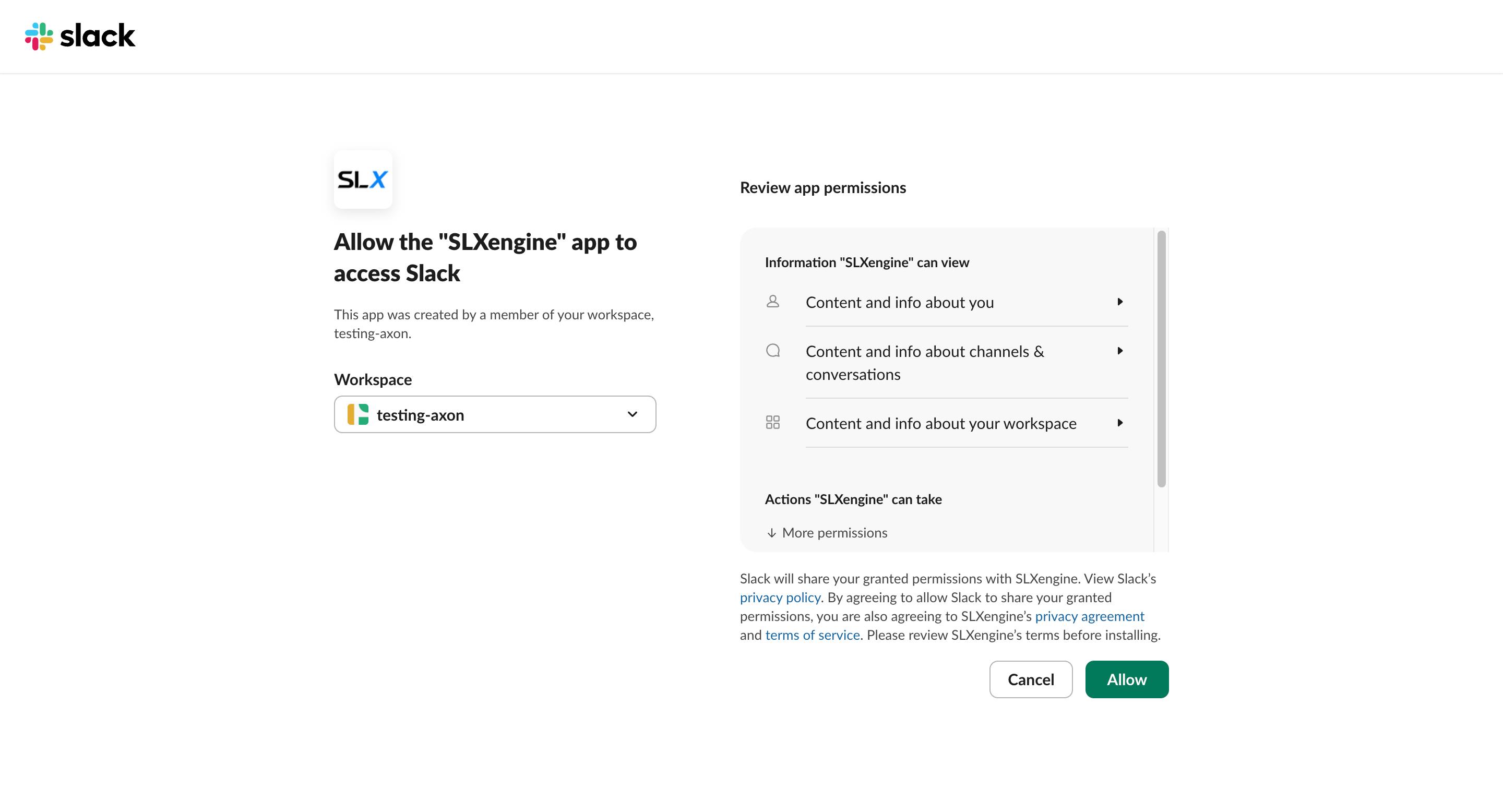
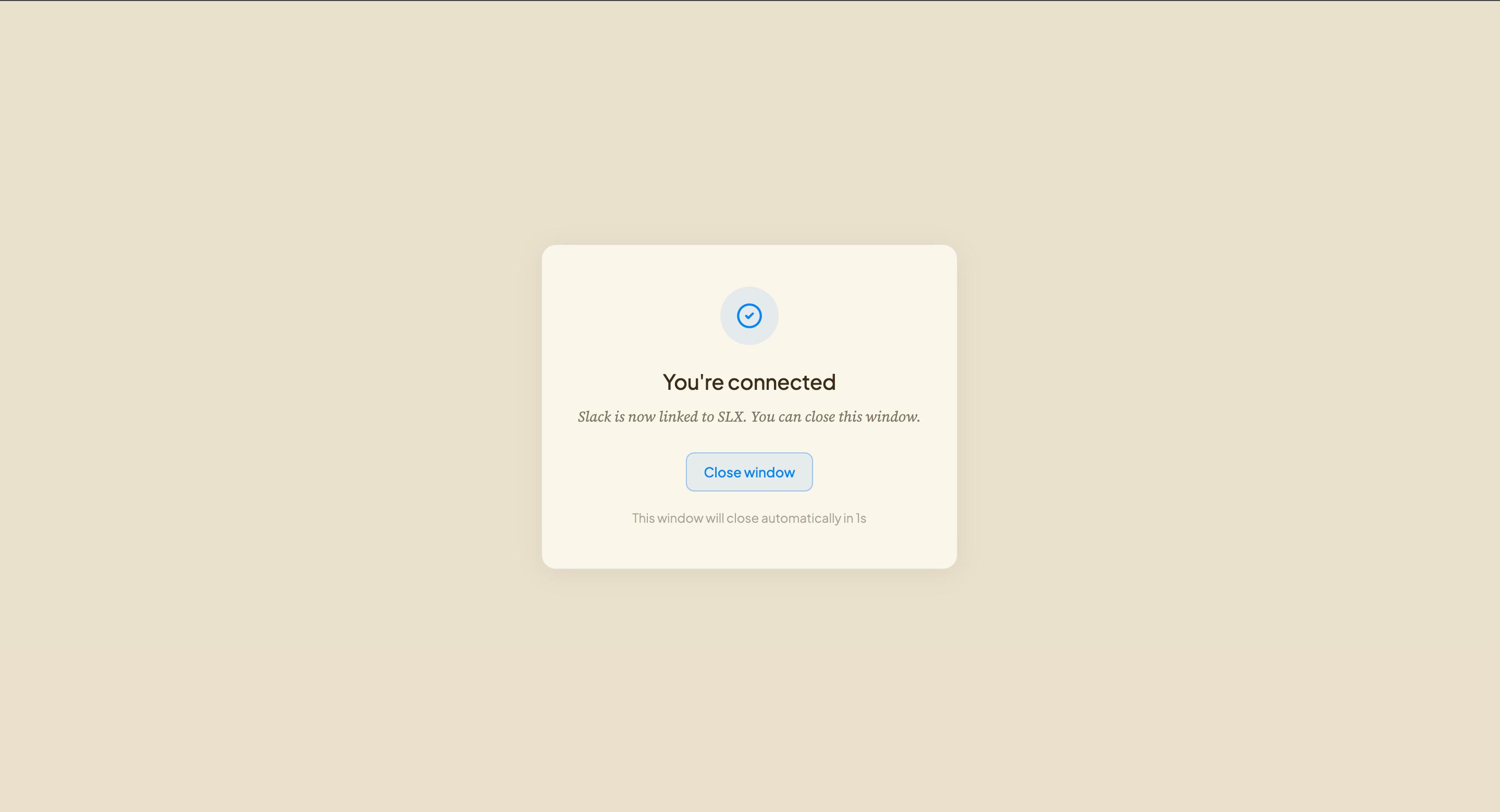
- Connect your Slack account. Open Links and choose Slack. Slack shows exactly what SLX is asking for — review it and approve.
- Ask in plain English. “Summarize #launch this week” or “tell sriram the deck is ready.” SLX runs it in Slack as you.
What triggers a Slack message, and what doesn’t
Posts only when you ask
SLX writes to Slack only in response to a request you make in the SLX chat. Messages appear under your name, because they are from you. No scheduled posts, and it never messages a channel on its own.
Reads only what you can see
SLX acts as you. It sees exactly what you can already see in Slack — the channels you’re in, the private channels you belong to, your own messages — and nothing beyond that. There is no bot to invite and nothing installed workspace-wide.
Access it asks for
The exact scopes SLX requests when you connect Slack, shown verbatim so you can check them against Slack’s consent screen.
| Scope | What it grants |
|---|---|
| channels:history | Read messages in public channels it’s in |
| channels:read | List your public channels |
| channels:write | Create and manage public channels |
| chat:write | Post messages |
| groups:history | Read messages in private channels it’s in |
| groups:read | List your private channels |
| groups:write | Create and manage private channels |
| im:history | Read direct messages it’s part of |
| im:read | See which direct messages it’s in |
| im:write | Start direct messages |
| mpim:history | Read group direct messages it’s part of |
| mpim:read | See which group DMs it’s in |
| team:read | Read basic workspace info (name, domain) |
| users:read | Look up who’s in the workspace |
See it in Slack
Real screenshots of the app working inside Slack.
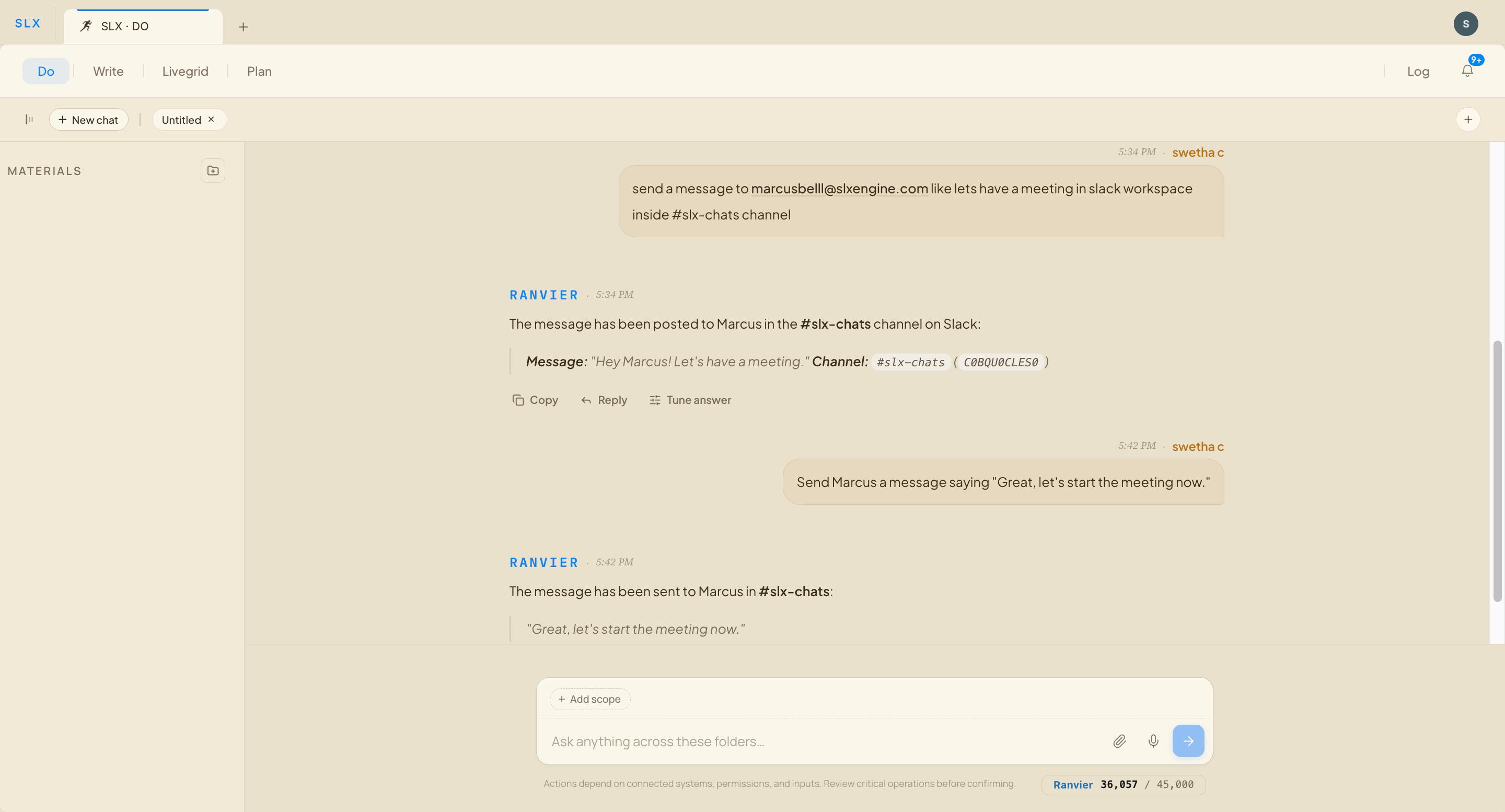
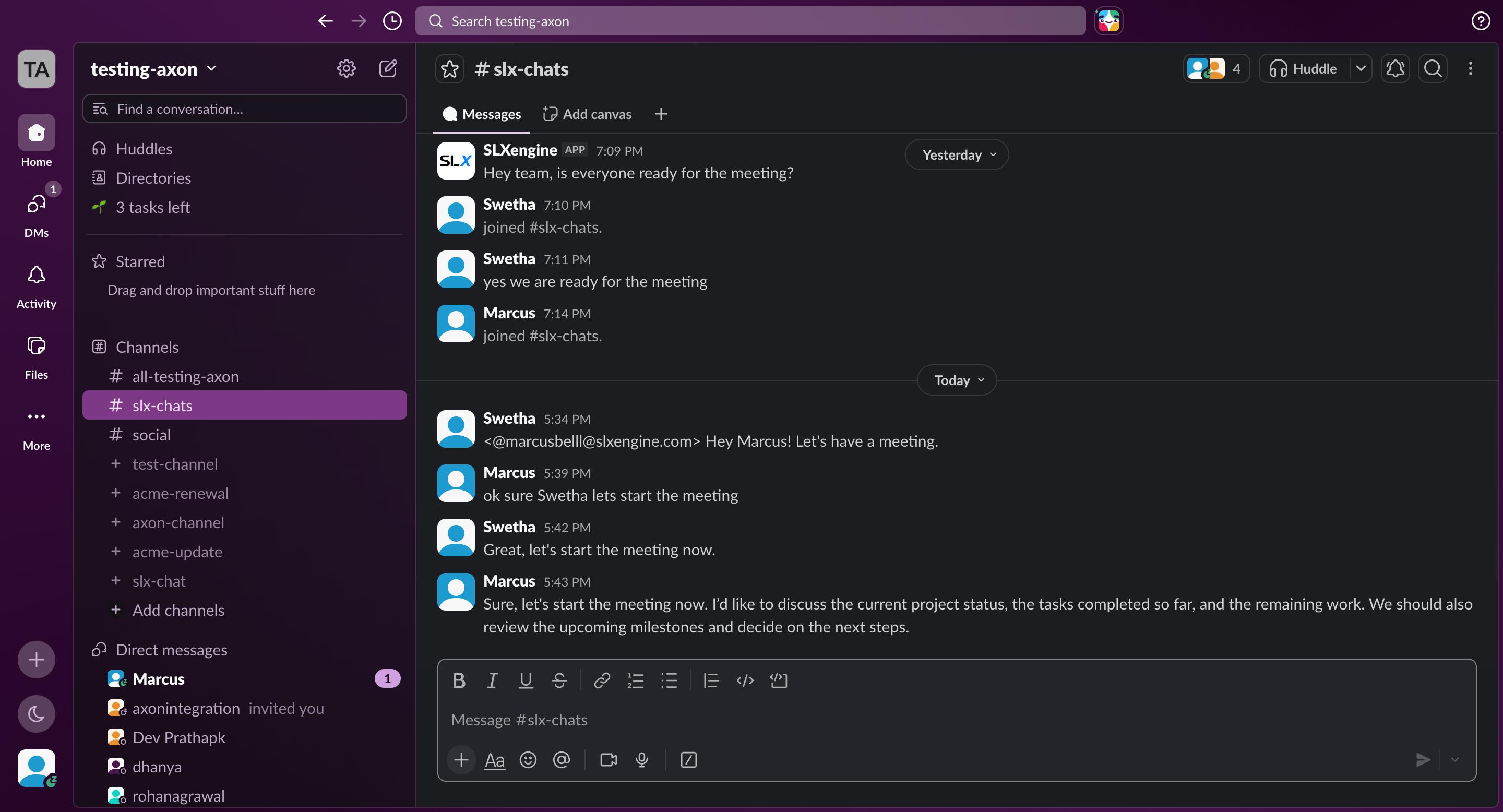
From a message to an action.
Ask for something in the SLX chat and Dobot runs it — then the result shows up in your Slack workspace.
Questions, or something not working?
Need a hand?
Something not working, or a question about setup? Email support@cenizaslabs.com or use the contact form — a real person replies within a business day.
Contact support →Your data
How SLX handles the Slack data you connect — what it accesses and how it’s managed — is covered in our privacy policy.
Read the privacy policy →