
HubSpot
SLX connects your HubSpot CRM to an AI agent that reads and updates contacts, deals, companies, and tickets through plain-English chat — no exports, no manual data entry, no switching tabs.
Run HubSpot from a conversation.
The screens below are SLX acting on real HubSpot data — updating records, logging activity, and answering questions across your CRM.
Change records by asking
“Move the Acme deal to Contract Sent.” SLX finds the record, makes the change in HubSpot, and shows you exactly what it did.
Log activity in seconds
“Log a call with Priya — she wants pricing by Friday.” The note lands on the right contact, timestamped, with a follow-up task if you ask for one.
- Move the Northwind deal to Closed Won
- Log a call note on Priya Shah and set a follow-up task for Friday
- Which deals are closing this month, and what are they worth?
- Create a ticket for the login bug and assign it to support
What you’ll need.
- A HubSpot accountAny HubSpot account with the CRM enabled.
- Rights to install appsPermission to add connected apps in HubSpot — Super Admin, or an account with app-install access.
- An SLX workspaceSigned in to SLX, where you start the connection.
Connect HubSpot in four steps.
- 1
Start in SLX
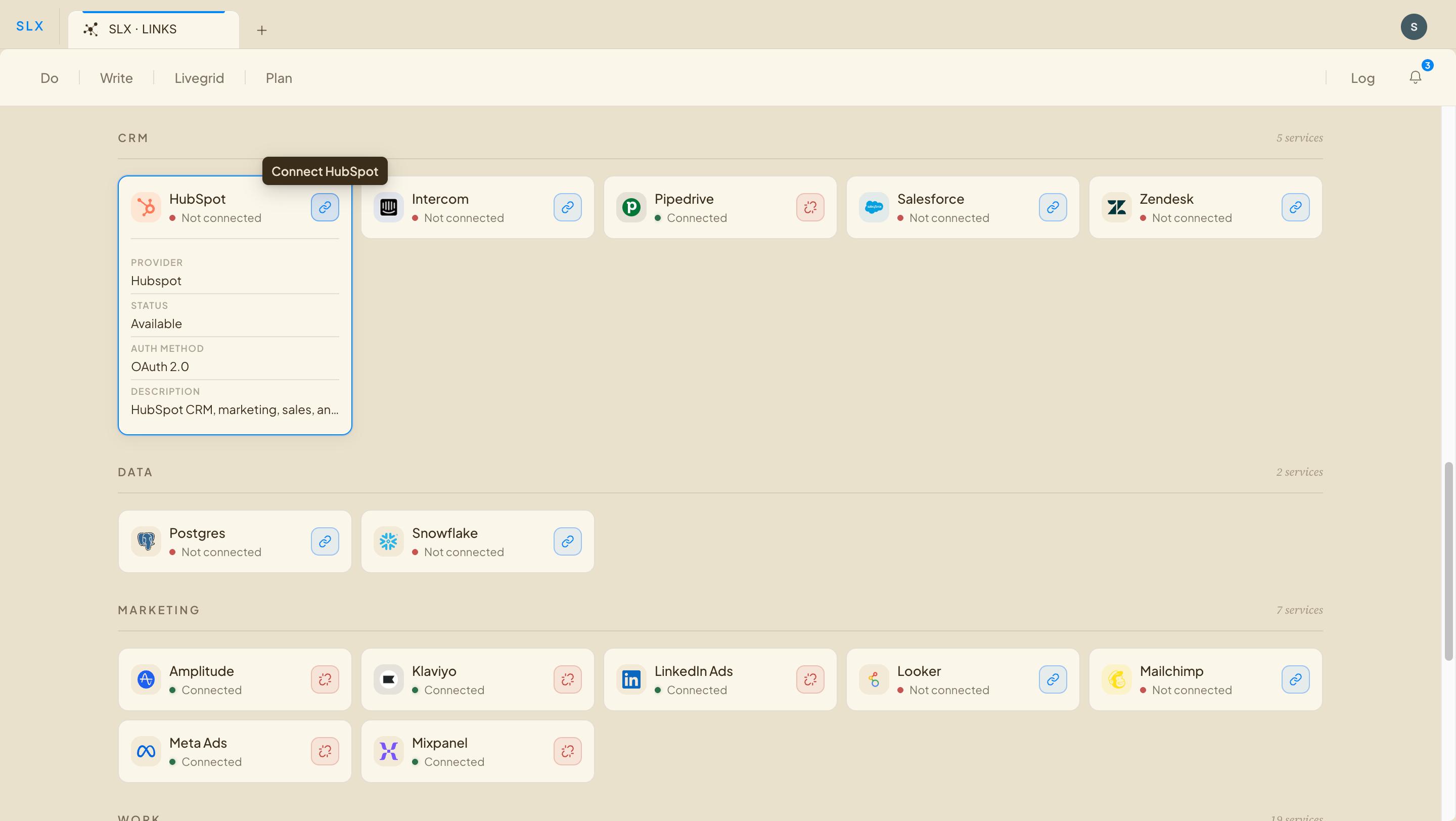
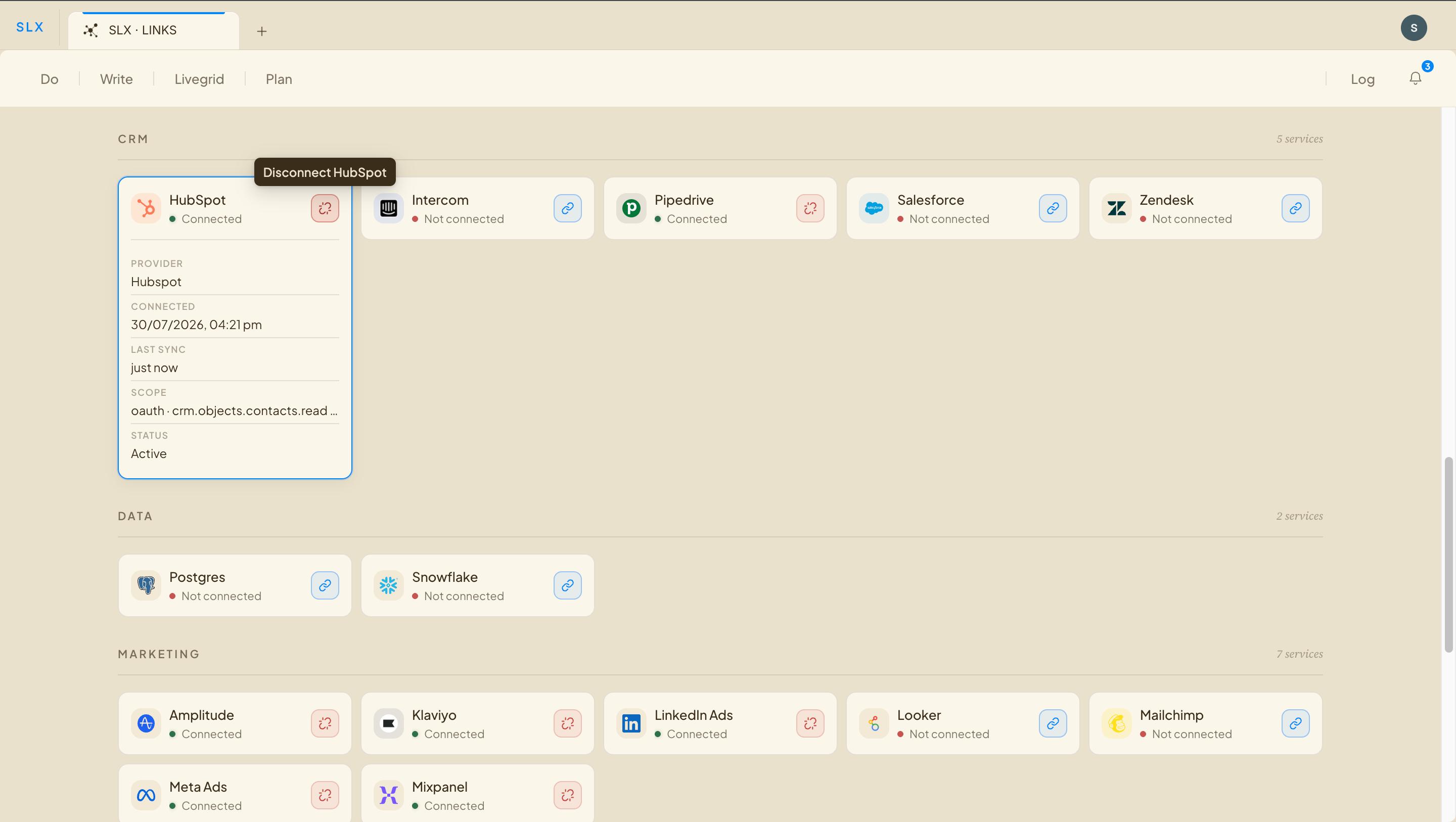
Open your links in SLX and choose Connect HubSpot.
- 2
Authorize on HubSpot
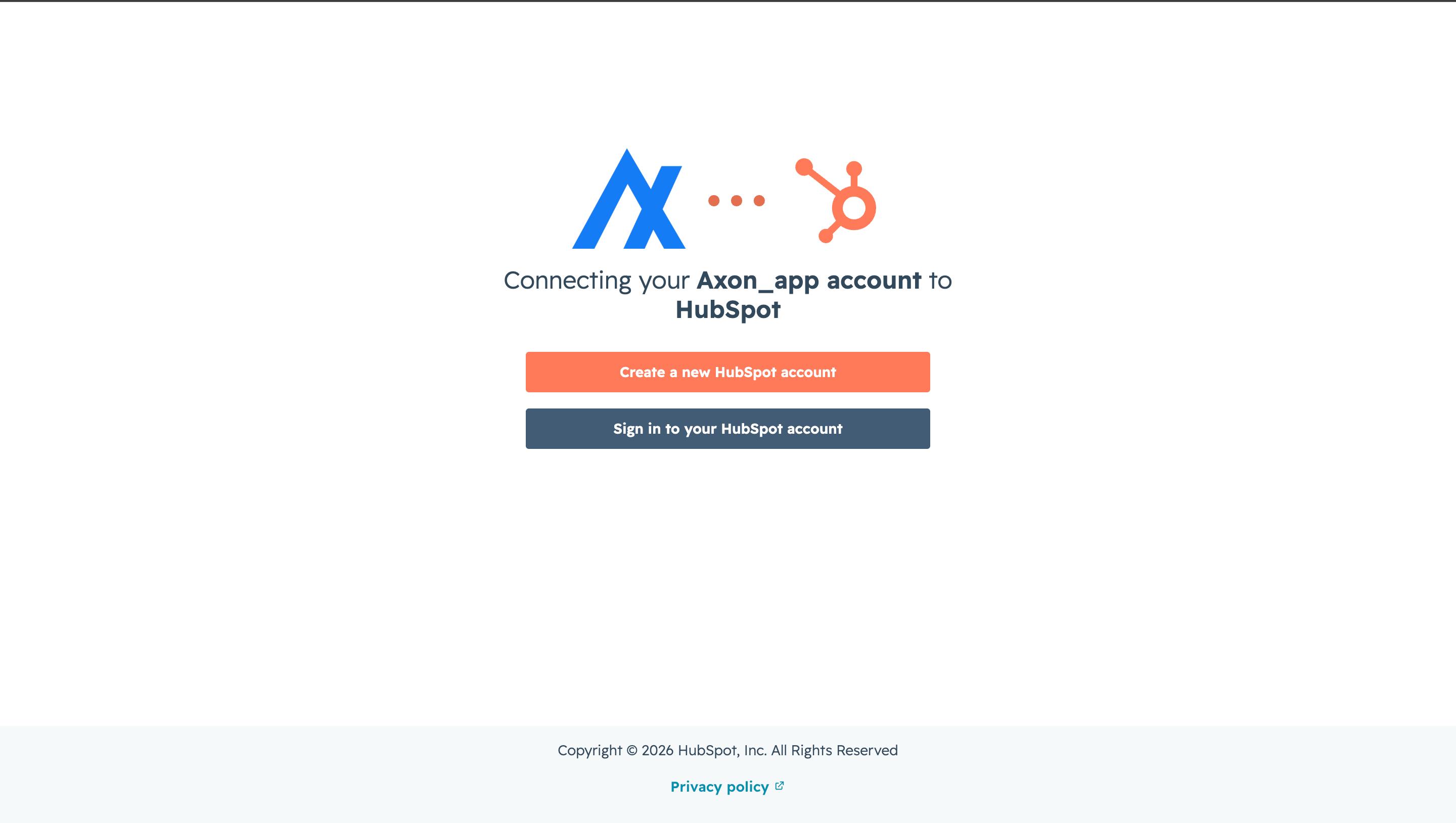
HubSpot’s authorization screen opens. Pick the account (portal) you want to connect.
- 3
Grant access
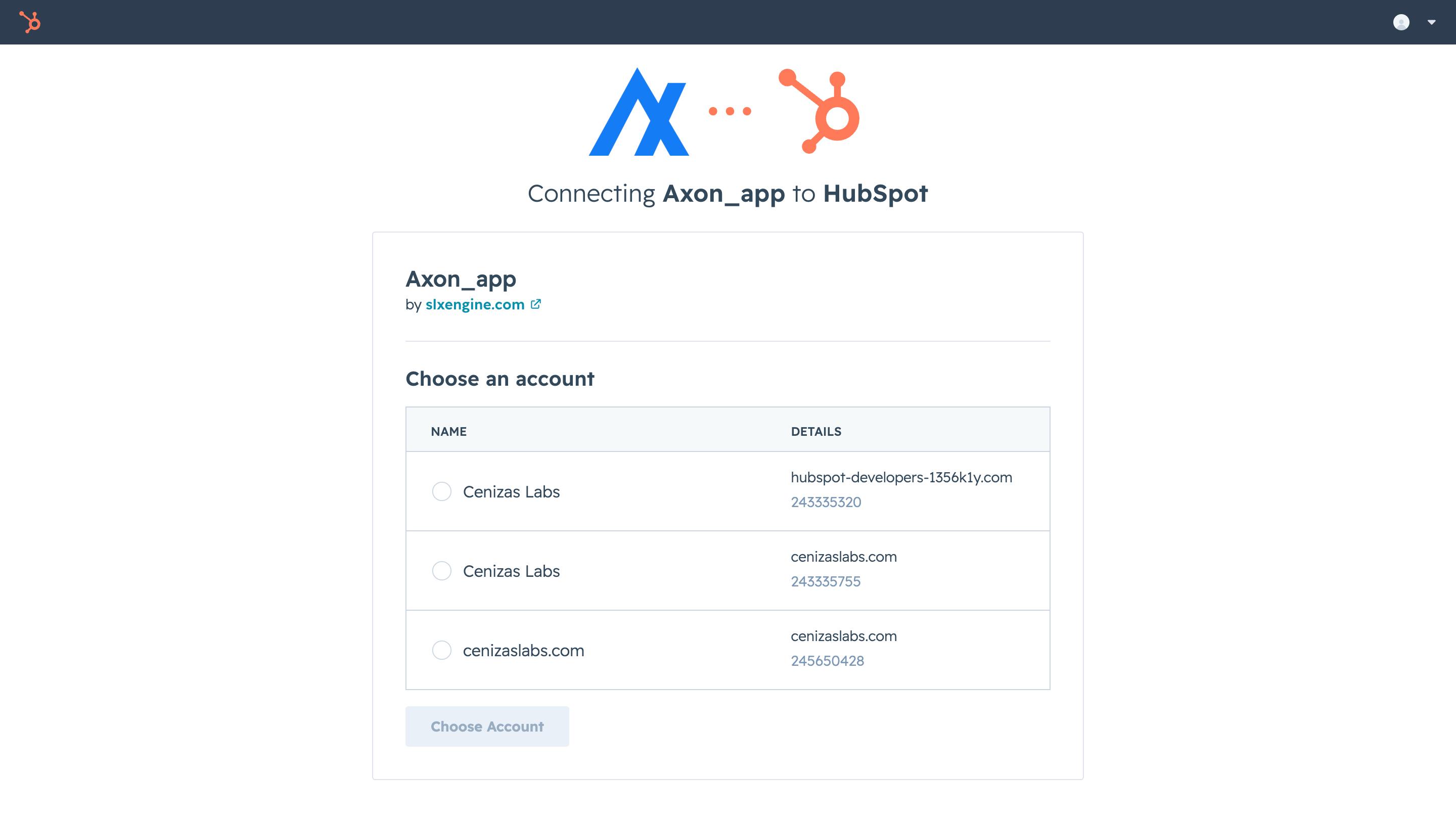
Review the scopes SLX requests, then approve. The full list is below.
- 4
You’re connected
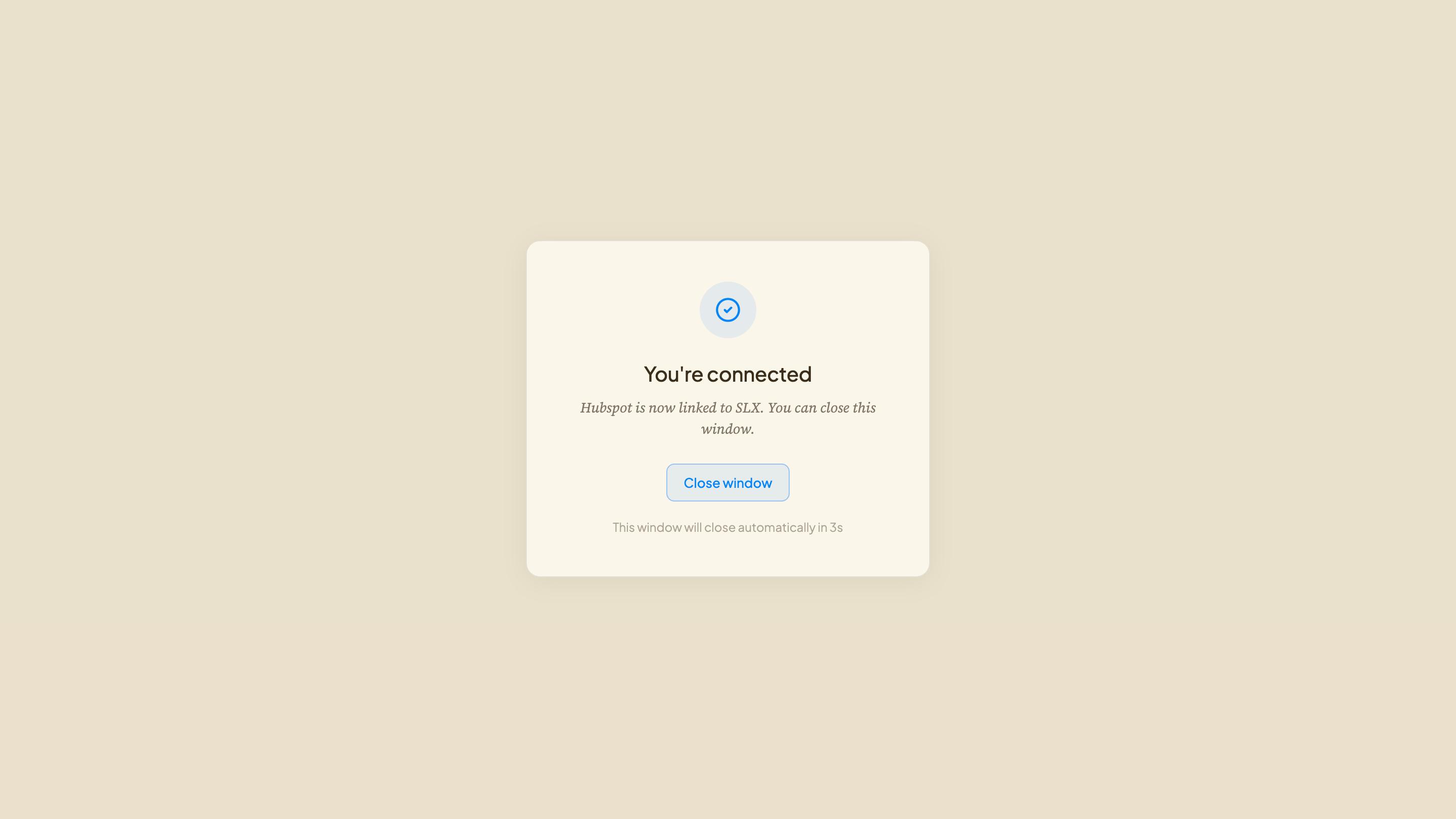
HubSpot returns you to SLX and the connection is stored against your workspace.
Access it asks for.
The exact scopes Hubspot is asked to grant when you connect — shown verbatim so you can check them against the consent screen.
| Scope | What it grants |
|---|---|
| oauth | Establish the OAuth connection |
| crm.objects.contacts.read | Read contacts |
| crm.objects.contacts.write | Write contacts |
| crm.objects.deals.read | Read deals |
| crm.objects.deals.write | Write deals |
| crm.objects.owners.read | Read owners |
| crm.schemas.contacts.read | Read contacts |
| crm.schemas.deals.read | Read deals |
| crm.objects.companies.read | Read companies |
| crm.objects.companies.write | Write companies |
| crm.schemas.companies.read | Read companies |
| tickets | Access tickets |
| crm.objects.leads.read | Read leads |
| crm.objects.leads.write | Write leads |
Nothing to set up
There’s no field mapping or sync schedule to configure. Once HubSpot is connected, SLX can read and update your CRM objects straight away — just ask.
Disconnect or revoke.
- From SLXOpen your links, choose HubSpot, and select Disconnect.
- From HubSpotSettings → Integrations → Connected Apps → find SLX and uninstall. This revokes access immediately.
Need a hand?
Contact us
Questions about the HubSpot integration? Reach the team directly — no account needed.